

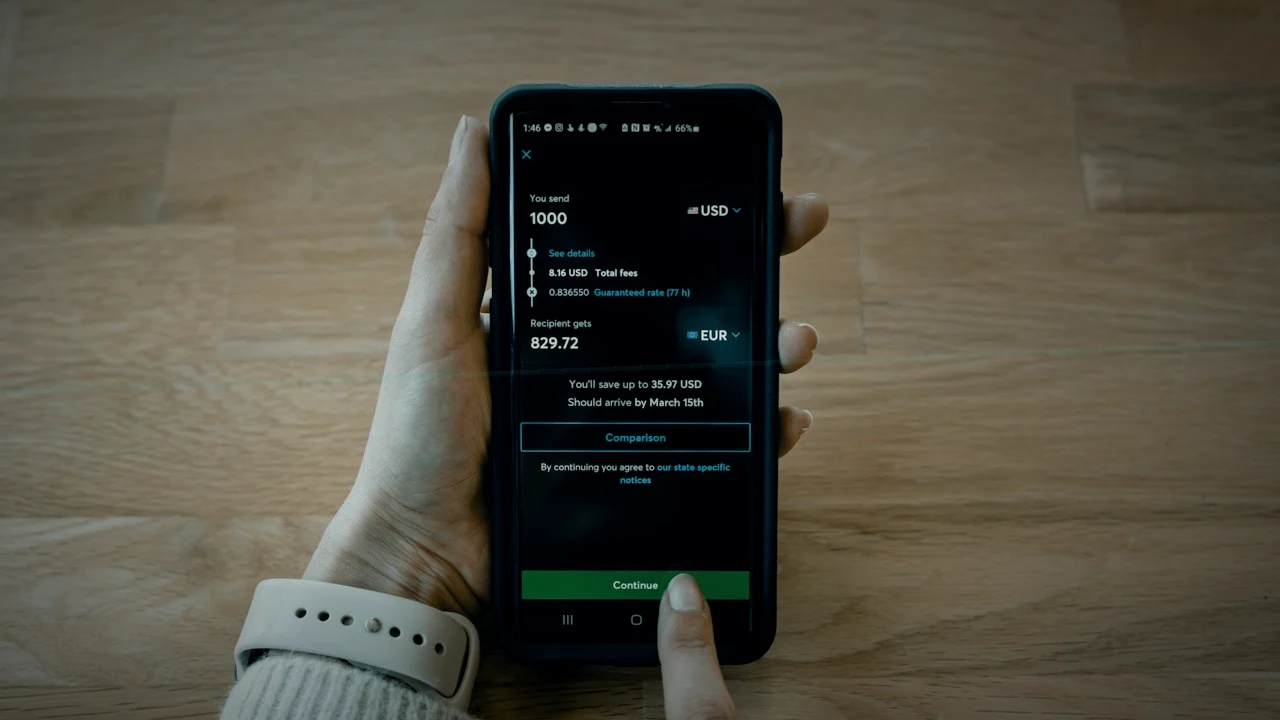
A borrower sends a GCash or Maya screenshot that says “Sent”, your officer marks the installment paid, and three days later the money is not in your wallet. For small PH lenders, a fake or reused payment screenshot is one of the cheapest frauds to commit and one of the easiest to stop. The rule is simple: a screenshot is a claim, not a payment. Post an e-wallet or bank-transfer repayment only after someone has found the matching credit in your own account, by reference number, amount and time. This guide gives you the five-point check, who should do it, and how to keep the record clean.
This is general operations guidance for lenders, not legal advice. Talk to your counsel before taking action against a borrower or reporting a suspected offence.
Who this is for, and who can skip it
For: owners, branch managers, cashiers and loan officers at PH lending companies, financing companies, cooperatives and microfinance teams that accept repayments by GCash, Maya, InstaPay, PESONet or bank deposit, even if only for a few borrowers.
Skip if: every peso you collect is cash counted at the counter and receipted on the spot. Even then, read the section on receipts, because cash desks have their own version of this problem.
Why screenshots fool good staff
A payment screenshot looks official. It has the wallet’s colours, a reference number, a time stamp and the word “Successful”. But a screenshot only proves that someone had that image on their phone. It can be:
- Edited. Amount, date or recipient changed with a phone editing app.
- Reused. A real screenshot from an earlier payment, sent again for a new due date.
- Borrowed. A real payment by someone else, to someone else, forwarded from a group chat.
- Reversed or failed. A transfer that showed as pending or was later reversed.
- Sent to the wrong account. Real money, but to an old number, a staff member’s personal wallet, or a look-alike account.
Each one ends the same way: an installment shows as paid in your books while the cash never arrived. Your PAR looks better than it is, the borrower’s next reminder never goes out, and by the time someone notices, the loan is weeks behind.
The law takes financial account fraud seriously. The Anti-Financial Account Scamming Act (Republic Act No. 12010), signed on 20 July 2024, defines and penalises financial account scamming, including money muling through e-wallets and other accounts. That does not make every bad screenshot a case for the authorities. For most lenders the practical defence is a desk habit, not a lawsuit.
The five-point e-wallet check (original checklist)
Run these five checks before any non-cash repayment is posted. Every check is done in your own wallet or bank app, never only on the borrower’s screenshot.
| # | Check | Where you look | Pass | Fail: what to do |
|---|---|---|---|---|
| 1 | The credit exists | Your business wallet or bank transaction history | A received transfer you can see, not just “pending” | Do not post. Tell the borrower politely the payment is “not yet reflected” and ask them to check with their wallet or bank. |
| 2 | Reference number matches | Your history vs the screenshot | Same reference, character by character | Ask for the correct reference. A mismatch is a red flag, not a typo, until proven otherwise. |
| 3 | Amount matches | Your history | Same peso amount, net of any fee the borrower paid | Post only what you received. Note any shortfall. |
| 4 | Time is plausible | Your history vs the claimed date | Transfer time is on or after the borrower’s message, close to the claimed time | An old transaction being resent is the classic reuse fraud. Escalate. |
| 5 | Reference not used before | Your loan system’s repayment records | No earlier repayment carries the same reference | Stop. Escalate to the branch manager. |
Check five is the one most teams skip. It is also the one that catches the reuse trick, because the screenshot itself is real. Make it a habit to search your repayment list for the reference number before posting.
Who checks: split the job
The person who receives the screenshot should not be the only person who decides it is real. A simple split works for most small lenders:
- Loan officer or collector receives the screenshot, writes down the reference number and amount, and does not tell the borrower “paid” yet. A safe line is: “Salamat po, we’ll confirm once it reflects on our side.”
- Cashier or finance staff with access to the business wallet or bank account runs checks one to four in the real transaction history.
- Whoever posts the repayment runs check five and records the method and reference.
- Branch manager reviews anything that failed a check, the same day.
If only the owner can open the business wallet, batch the checks: the owner confirms the day’s e-wallet credits once at midday and once before close, and the team posts from that confirmed list.
Worked example
A lender in a provincial city runs one branch with two officers and a cashier. A borrower with a ₱1,250 weekly installment sends a screenshot on Friday evening showing a transfer of ₱1,250 with a reference number and Friday’s date.
The officer logs the reference and amount and replies that the team will confirm. On Saturday morning, the cashier opens the business wallet history. There is no ₱1,250 credit on Friday. Searching the repayment records for the reference number turns up a match: the same reference was posted three weeks earlier for the same borrower. The screenshot was real, just reused, with the date edited.
The installment stays unpaid. The branch manager calls the borrower, says only that the payment has not reached the lender’s account and that the reference matches an earlier payment, and asks how they would like to settle. No accusations, no group chat posts, and a dated note goes into the file. If the borrower insists they paid, the manager asks for the wallet’s own transaction receipt or a statement and checks again.
Common mistakes
- Posting on screenshot “just for now”. Temporary postings become permanent when nobody comes back to them.
- Using staff personal wallets. Every repayment should land in a business account the lender controls. Personal wallets make check one impossible to do properly and make staff the easiest suspects when money goes missing.
- Leaving the reference blank. Without the reference, check five cannot work next time.
- Accusing the borrower publicly. Most mismatches are honest mistakes: wrong number, pending transfer, or a payment from a relative’s wallet. Keep the conversation private and factual. Shaming borrowers can also break SEC debt collection rules; see our guide to unfair debt collection practices.
- Not changing the payment number when an officer leaves. If borrowers have been told to pay a wallet a former staff member controls, change it and tell every borrower in writing. See the loan officer exit handover checklist.
Decision framework: post, hold or escalate
| Situation | Decision | Note in the file |
|---|---|---|
| All five checks pass | Post the repayment with method and reference | Method, reference, who checked |
| Credit not yet visible, borrower sent within the last few hours | Hold. Check again at the next batch | “Awaiting credit” with the time |
| Amount is short | Post only what arrived | Shortfall and that the borrower was told |
| Reference already used, or time does not fit | Do not post. Escalate to the branch manager | Both references, both dates, who spoke to the borrower |
| Money went to a wrong or personal account | Do not post until recovered or resolved | Account it went to and the follow-up owner |
A ten-minute weekly reconciliation
Once a week, the branch manager or owner compares two lists: all non-cash credits in the business wallet and bank account for the week, and all non-cash repayments posted in the loan system. Every posted repayment needs a matching credit, and every credit needs a posted repayment or a note. Anything left on either side gets a name and a deadline. This catches the frauds that slipped past the daily check, and the honest mistakes too. Our end-of-day float reconciliation guide covers the same habit for cash.
Where PesoLend fits today
PesoLend does not connect to GCash, Maya or bank accounts and does not read your transaction history, so it cannot confirm that money arrived. Checks one to four are still done in your own wallet or bank app. What PesoLend does give you:
- A repayment form with method and reference fields, plus the date and time the payment was made, so every non-cash repayment carries the reference you need for check five and the weekly reconciliation.
- A receipt number on every posted repayment, unique within your organisation.
- Checker approval for staff who cannot approve financials. Repayments they enter go to an approvals queue for a checker, which fits the split described above. See maker-checker dual control.
- A loan file document vault where you can keep the screenshot or statement for a disputed payment with the borrower’s file.
PesoLend does not flag a reused reference number automatically today, so check five means searching your repayment records before posting.
FAQ
Can we refuse e-wallet payments altogether?
You can set the payment channels you accept, as long as your loan documents and disclosure statement say so. Many lenders keep e-wallets because borrowers expect them; the five-point check makes that safe.
Should we ask borrowers to put their loan number in the transfer message?
Yes, it helps you match credits, but treat it as a convenience, not a check. The reference number and amount in your own history are what count.
What if the borrower paid from a relative’s wallet?
That is common and usually fine. Record the payer’s name with the reference so the weekly reconciliation still matches.
What to do next
This week, print the five-point check for every officer and cashier, move any repayment number that points to a staff member’s personal wallet to a business account, and run your first ten-minute reconciliation on last week’s e-wallet credits.
Log in to PesoLend to post repayments with method and reference, send staff entries to a checker, and keep disputed payment proof in the borrower’s loan file.